
01
Realtime conversations
Send and receive messages over WebSocket connections with conversation state kept in sync.
Add realtime messaging with the ready-made Vocantly widget or use the JavaScript SDK to build an experience that is entirely your own.
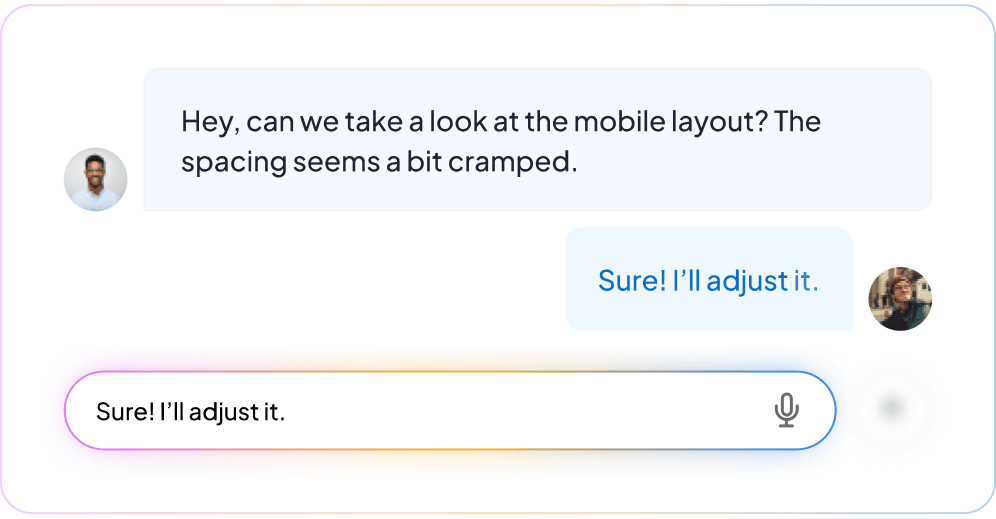
Messaging foundation
Vocantly handles realtime communication infrastructure while your product controls where, why, and how the experience appears.
Send and receive messages over WebSocket connections with conversation state kept in sync.
Give participants clear feedback while a conversation is active.
Load previous messages so people can continue with context across sessions.
Launch with the configurable widget or compose your own interface with the headless SDK.
Connect conversations to the customer, member, provider, or user identity your workflow requires.
Move selected conversations into AI assistance, a team inbox, routing, or tickets when the use case requires it.
Integration
Use an origin-restricted public key for the widget or issue short-lived SDK tokens from your server for a custom application experience.
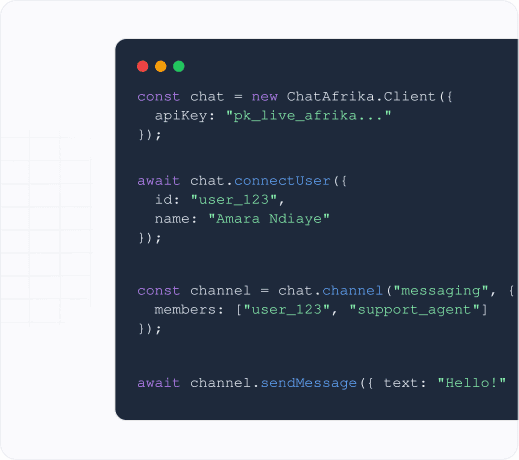
Create an app, choose the widget or SDK, and start with the messaging experience your users need.