
01
Voice and video modes
Choose the interaction that fits the conversation and each participant's situation.
Add voice or video to an active conversation and keep the interaction connected to the same identity and product context.
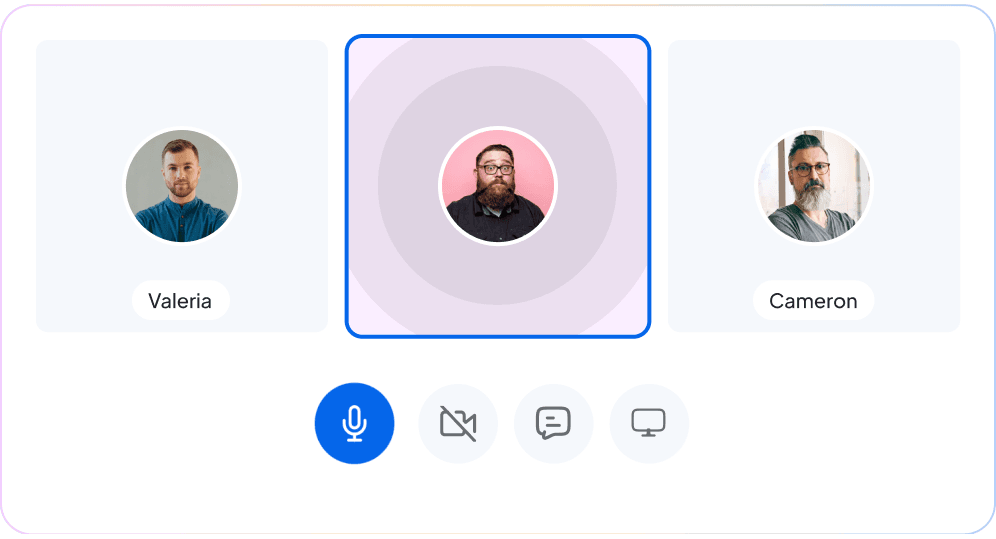
Connected calling
Participants can move to a richer interaction while keeping the existing conversation as the source of context.
Choose the interaction that fits the conversation and each participant's situation.
Start, accept, reject, and end calls through the active conversation.
Mute audio or enable and disable video while the call is active.
Keep the call attached to the messages and identity participants already share.
Offer calls through the embedded experience or integrate controls into a custom interface.
Use the widget experience or build the call lifecycle directly into your own interface.
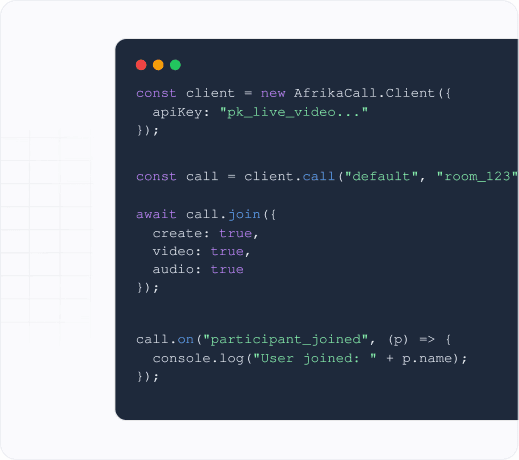
Developer control
Use the SDK call lifecycle and events when your product needs a custom interface instead of the drop-in widget.
Add voice and video when users, customers, providers, or teams need a faster path to understanding.